Defect management for construction and property teams
From defect report to verified resolution.
Report a defect on site, assign it to the right trade, collect evidence of the repair and sign it off in the same record. Everyone involved can see who owns each issue and what has happened to it.
Built for construction, property management, facilities, maintenance and inspection teams.
Portfolio overview
The problem
Defect management breaks down between steps.
A defect may begin as a photograph on one phone, become a task in an email and end up as a status in a spreadsheet. By handover, nobody can say with confidence who fixed it or whether anyone checked.
Scattered evidence
Photographs sit in personal camera rolls and chat threads, away from the issue they show.
Unclear ownership
A defect is raised in a site walk, but nobody is named to fix it or given a date.
Unchecked repairs
Work is marked as done without anyone looking at it, so the same defect appears again at handover.
Status rebuilt by hand
Progress reports are pieced together from emails and spreadsheets, and are out of date when they are sent.
How it works
How a defect gets closed in SiteResolve.
Report
Record the defect where it is found.
Add a description, photographs, location, category and priority from a phone, tablet or desktop. Each report gets its own reference number.
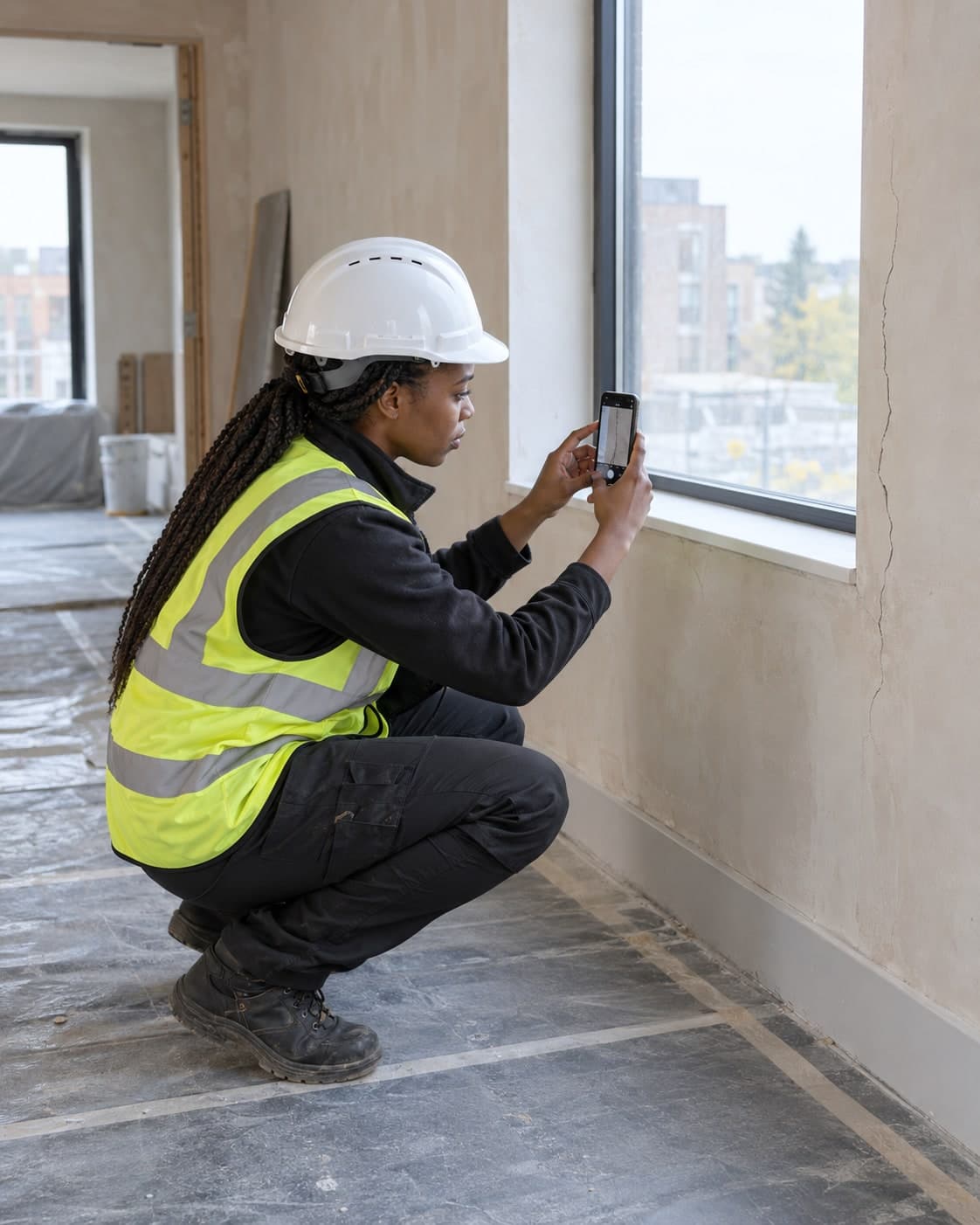
Report a defect interface shown with demonstration data Report a defectDemonstration dataSR-1851Crack beside window frame
Add photographs2 photographsSelect locationRiverside Quarter, Block A, Level 03Set priorityMediumSave reportAssign
Name who fixes it and by when.
Assign the issue to an employee, contractor or subcontractor. Add a due date and keep instructions, files and comments with the record.
Assign issue interface shown with demonstration data Assign issueDemonstration dataSR-1851Crack beside window frame
Assign toHPHartley PlasteringDue date24 SeptemberAdd instructionRake out and fill the crack, then make good the finish around the window.Notify assigneeResolve
Show the work that was done.
The assignee updates the issue, adds completion notes and submits photographs or documents showing what was done.
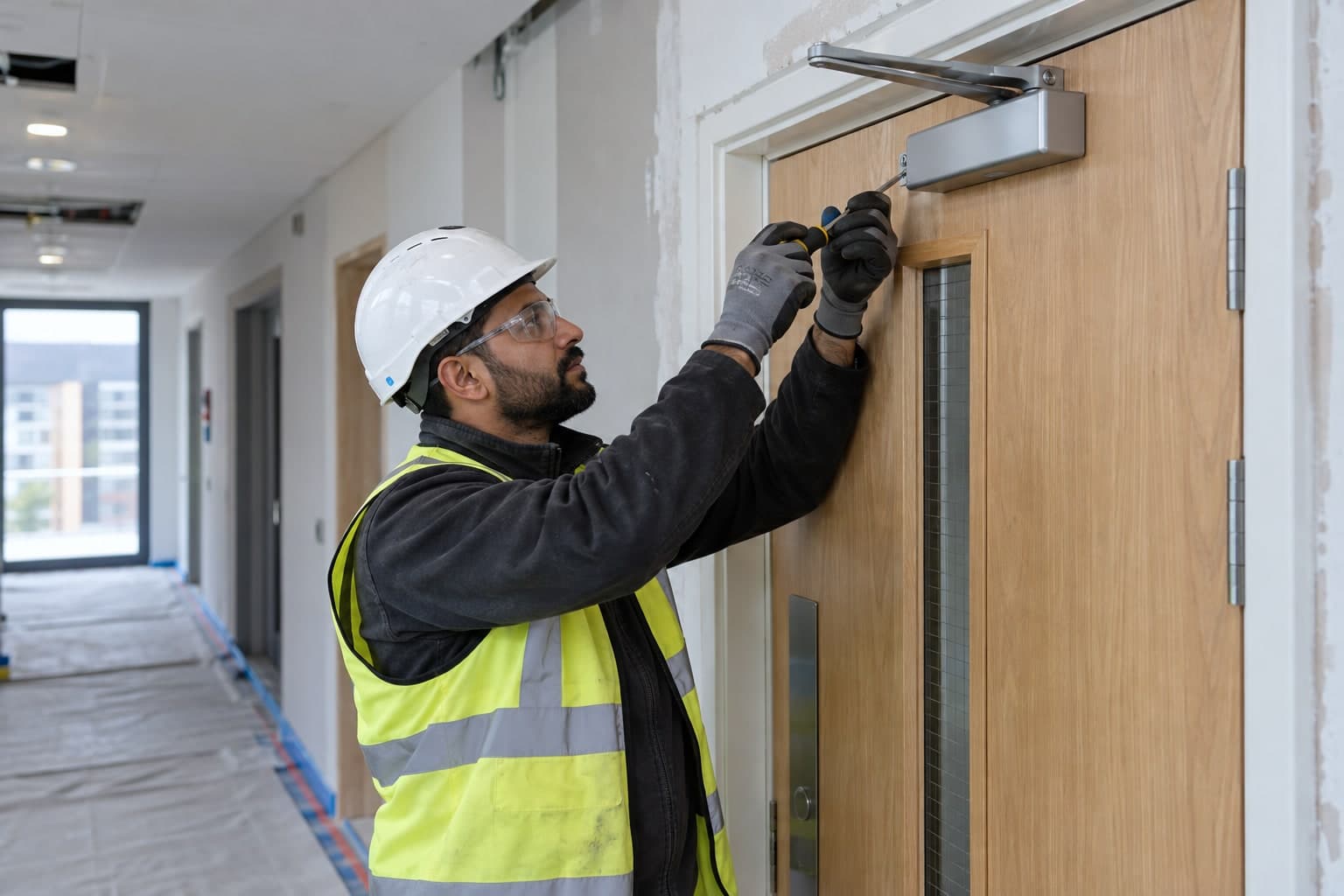
Resolution interface shown with demonstration data ResolutionDemonstration dataSR-1842Fire door does not close fully
Start workWork startedAdd updateCloser adjusted and hinges checked. The door now closes fully.Upload evidence2 photographsSubmit resolutionVerify
Check the work before closing the issue.
An authorised reviewer accepts the resolution, rejects it or returns it for further work. The final decision is added to the issue history.
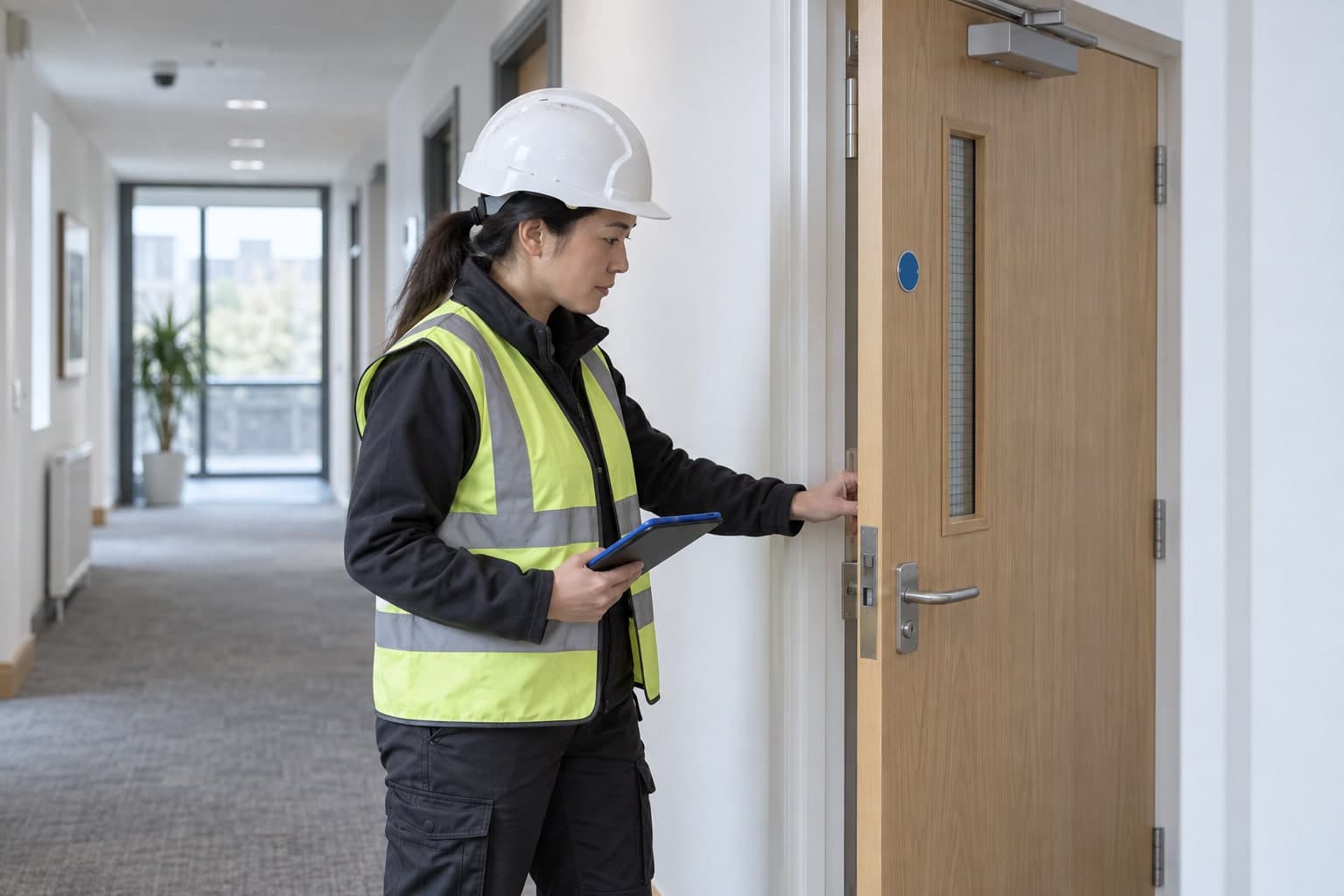
Review evidence interface shown with demonstration data Review evidenceDemonstration dataSR-1842Fire door does not close fully
Submitted byNDNorthline DoorsRepair evidence2 photographsVerify resolutionReturn for correctionClose issue
On site
Capture the details while they are still clear.
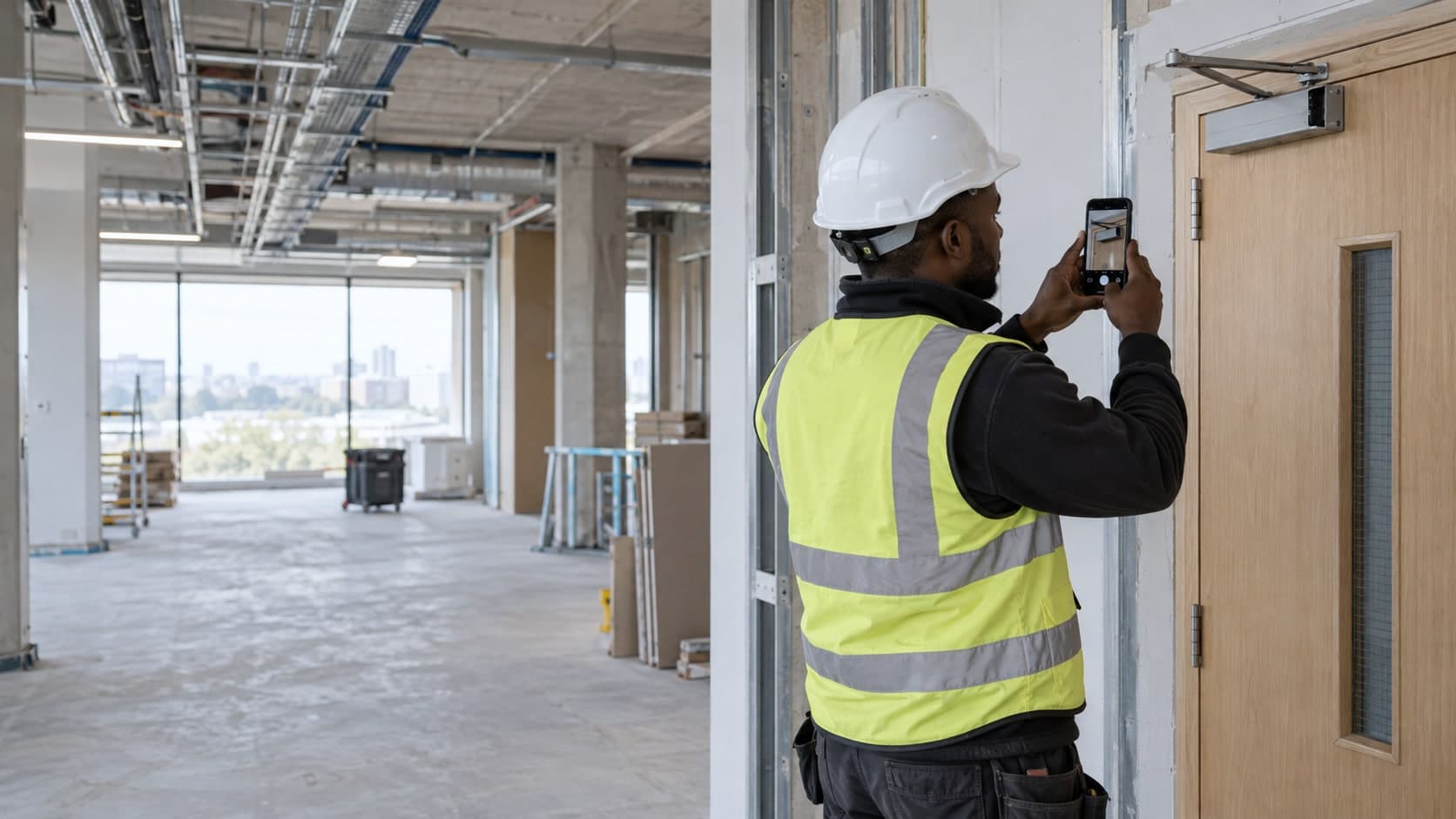
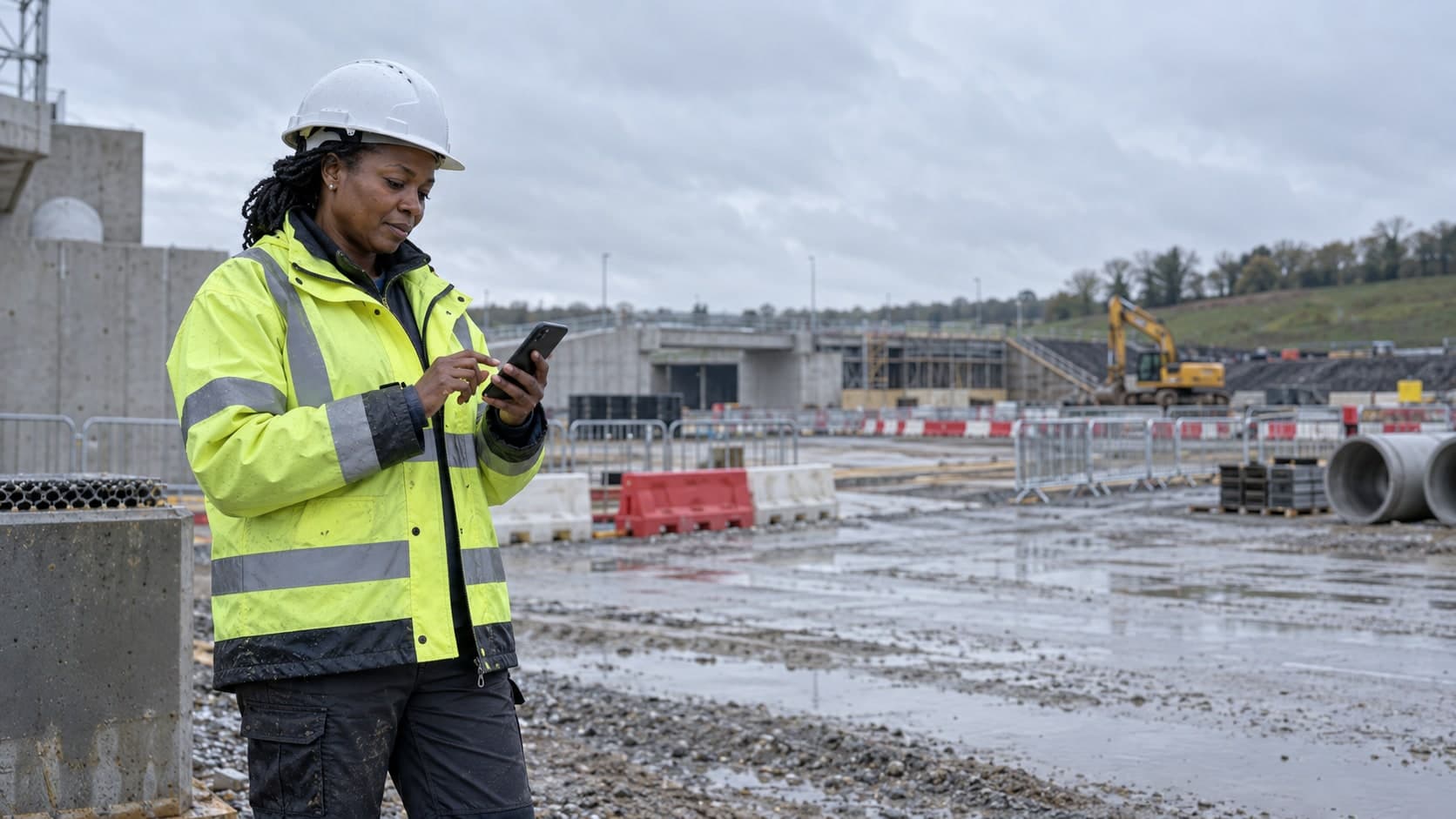
Use a phone or tablet to record defects at the location where they are found. Add photographs, notes and location details before information is lost or passed between teams.
Reports save to the phone when there is no signal, in a basement or on a remote plot, and upload when the connection returns.
- Mobile issue reporting
- Camera and file uploads
- Site and location selection
- Offline capture
- Synchronised updates
You are offline.
Report a defect
Representative scenario
A fire door that would not close.
A worked example of one defect over one week. The site, the people and the subcontractor are made up for illustration.
- Day 1, 09:12
Found
Site manager
At the Block C handover inspection, the fire door to room C4.12 will not close into its frame. The site manager photographs the closer, pins the room and marks the issue high priority.
Recorded: 2 photographs, room C4.12, high priority
- Day 1, 09:20
Assigned
Site manager
Eight minutes later the issue is with Northline Doors, the door subcontractor, due by 21 September with an instruction to adjust the closer.
Recorded: Assignee, due date, instruction
- Days 4 to 6
Repaired
Northline Doors
The technician adjusts the closer and checks the hinges, then uploads photographs of the finished door and submits the repair for review.
Recorded: Completion notes, 2 photographs
- Day 7, 10:18
Verified
Site manager
The site manager compares the before and after photographs, tests the door on site and accepts the repair.
Recorded: Verification decision
- Day 7, 10:19
Closed
Site manager
The issue closes. The report, repair evidence and sign-off stay together for the handover file.
Recorded: Full dated history
Fire door does not close fully
- Site
- Riverside Quarter
- Location
- Block C, Level 04
- Priority
- High
- Assignee
- Northline Doors
- Defect reportedSite manager, 14 Sep, 09:12
- Assigned to Northline DoorsSite manager, 14 Sep, 09:20
- Work startedNorthline Doors, 17 Sep, 08:05
- Repair evidence addedNorthline Doors, 19 Sep, 15:40
- Submitted for verificationNorthline Doors, 19 Sep, 15:42
- Resolution verifiedSite manager, 20 Sep, 10:18
- Issue closedSite manager, 20 Sep, 10:19
- Who found it?
- Site manager
- Day 1, with 2 photographs
- Who fixed it?
- Northline Doors
- Day 6, with repair evidence
- Who approved it?
- Site manager
- Day 7, after an on-site check
Solutions
The same four steps on a building site, an estate or a plant room.
Construction
Manage defects, snagging, quality inspections, subcontractor actions and handover records.
SiteResolve for constructionProperty management
Record repairs, assign contractors and retain a clear history for each property or shared area.
SiteResolve for property managementFacilities management
Track operational issues across buildings, teams and service providers.
SiteResolve for facilitiesMaintenance
Move reported faults into assigned work, evidence and verified closure.
SiteResolve for maintenanceInspections
Turn findings into owned actions and confirm that corrective work has been completed.
SiteResolve for inspections
Frequently asked questions
What is SiteResolve?
SiteResolve is software for recording defects on construction projects, properties and facilities, getting them fixed and checking the repairs.
Who is SiteResolve for?
Construction companies, property managers, facilities and maintenance teams, inspectors, and the contractors and subcontractors who carry out repairs.
What can be recorded on an issue?
An issue can include a description, photographs, files, location, category, priority, assignee, due date, comments, resolution evidence and verification decision.
Can contractors update assigned issues?
Yes. Contractors you invite see only the issues assigned to them. They can post updates and upload evidence of the repair.
Does SiteResolve support mobile work?
Yes. Reporting and updates work on phones, tablets and desktop computers.
Can teams work with limited connectivity?
Yes. Reports can be saved without a signal and upload when the connection returns.
Can managers report across several sites?
Yes. Cross-site views show open, overdue, awaiting-verification and completed issues for every site you manage.
Does SiteResolve integrate with other systems?
No integrations are confirmed yet. We will list them here when they are.
How can I access SiteResolve?
Join the waitlist and we will email you product updates and access details.
Know who owns every defect, and who signed it off.
Join the SiteResolve waitlist for product updates and access information.