The SiteResolve platform
Report, assign, fix and sign off defects in one place.
Each defect has one record holding the original report, who owns it, every update, the repair evidence and the final decision. People on site can report and update quickly, and managers can see where every issue stands.
One record for each defect.
Each issue starts as a structured report and stays in the same record until it is verified and closed. Permissions control who can see it and what they can do.
Issues
Report
Report the defect where you find it.
Record what the person fixing it will need, including photographs, the exact location and how urgent it is.
- Photographs and attachments
- Site, building, floor and room
- Plan or drawing reference
- Defect category
- Priority and severity
- Description and instructions
- Reporter and timestamp
- Draft and submitted states
SR-1842Fire door does not close fully
Assign
Every issue has a named owner and a due date.
Assign each issue to the person or company who will do the next piece of work. The due date, instructions and notifications stay on the issue.
- Internal and external assignees
- Responsible company
- Due dates
- Priority
- Assignment history
- Comments and instructions
- Notifications
- Reassignment controls

SR-1842Fire door does not close fully
Resolve
Keep the repair and its evidence together.
Assignees can record progress, add notes and submit evidence showing the completed work. The original report stays visible while they work.
- Work status
- Completion notes
- Before and after photographs
- Supporting documents
- Completion date
- Submitted-by record
- Return for correction
- Resolution history
SR-1842Fire door does not close fully
Verify
Close issues only after review.
Finished work is not approved automatically. A reviewer checks the evidence, records a decision and either closes the issue or sends it back.
- Reviewer permissions
- Accept or reject decision
- Verification notes
- Additional evidence requests
- Recorded decision date
- Reopened issues
- Closure history
- Final report
SR-1842Fire door does not close fully
Oversight
See what needs attention across every site.
Use portfolio and project views to find open, overdue and awaiting-verification issues. Filter records by site, location, company, assignee, category, priority and status.
By site
- Riverside Quarter
- Canal Street Offices
- Northgate Retail Park
By contractor
- Northline Doors
- Site team
- Unassigned
By category
- Doors and ironmongery
- Finishes
- Mechanical
Average resolution time
Calculated from verified issues
Reports for reviews, contractors, clients and handover.
Filter issues and export them as a report for an internal review, a contractor, a client update or a handover pack.
- Issue register
- Open defects
- Overdue issues
- Contractor report
- Verification report
- Handover record
- Activity history
- CSV and PDF export
Give each person the access their role requires.
Permissions separate reporting, assignment, updating, verification and administration. External organisations can be limited to the issues relevant to their work.
- Reporter
- Site manager
- Project manager
- Contractor
- Verifier
- Administrator
- Read-only stakeholder
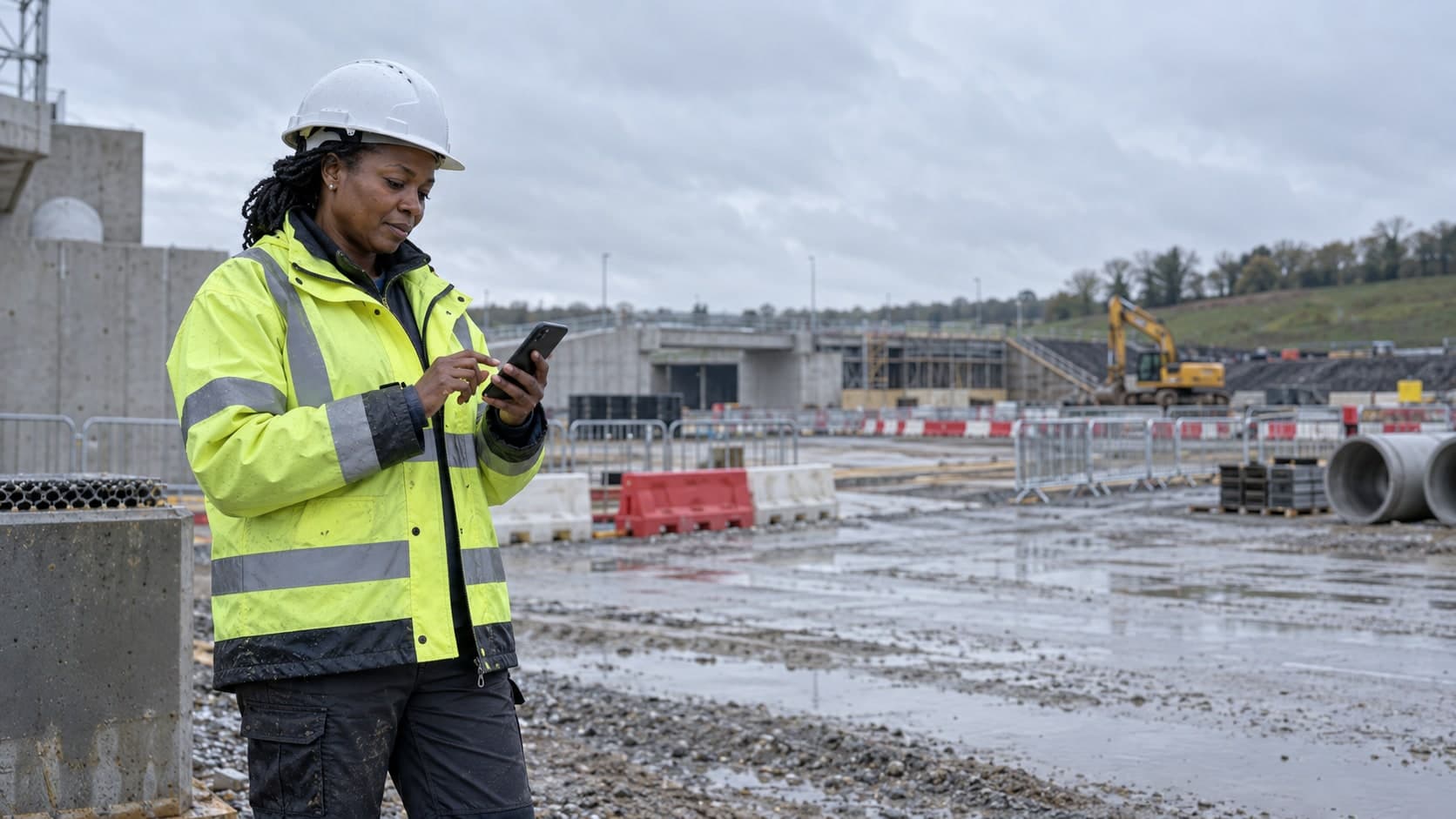
Work from the site or the office.
SiteResolve works on phones, tablets and desktop computers. Reporting and updates keep working when the signal is weak or missing.
Saved on this deviceWaiting to synchroniseSynchronisingSynchronised
Integrations
Site, issue and user records are stored in a structured form so they can be shared with other systems. Integrations will be listed here once they are confirmed.
Be first to hear when SiteResolve opens.
Join the waitlist and tell us how your team handles site issues today.